FORECOURT CONTROLLER BASICS
Forecourt Controller: What It Is and How It Works
The short answer: a forecourt controller lets your pumps and your till talk to each other, so every fill is authorised and every sale is recorded.
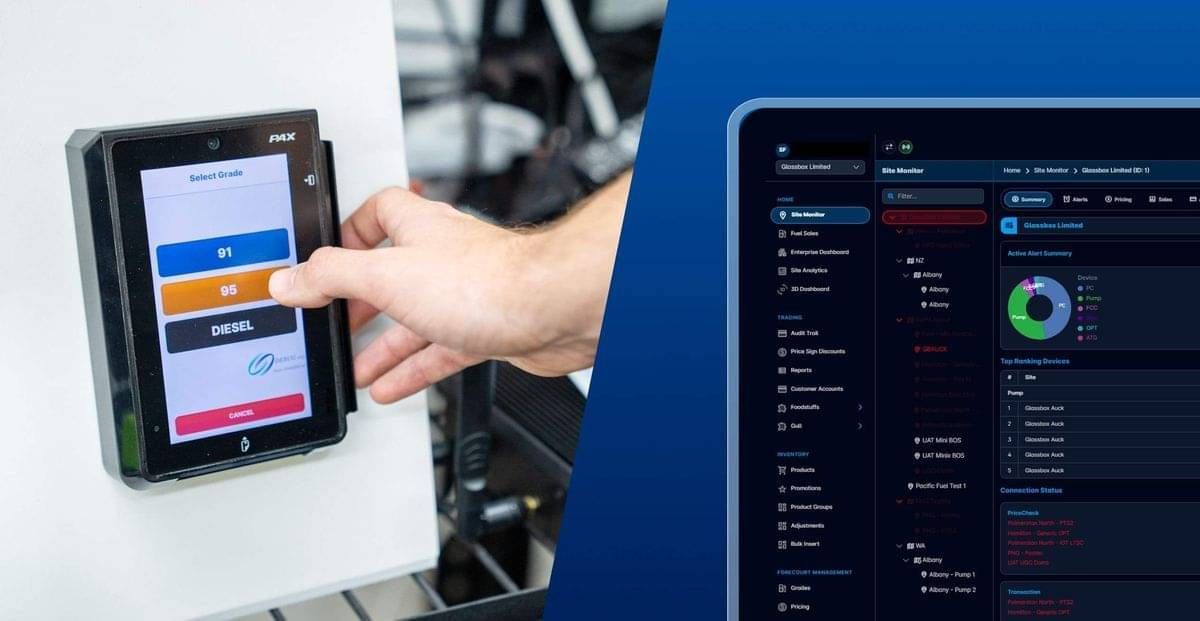
A forecourt controller is the hardware that links a site's fuel pumps to its point of sale, authorising each fill and reporting each sale. Without one, the pumps and the till have no way to talk to each other. Glassbox, a New Zealand fuel software company with more than 15 years in the industry, works with the controllers already on sites across New Zealand and Australia, and has delivered a DOMS controller integration for two Sydney service stations.
What does a forecourt controller actually do?
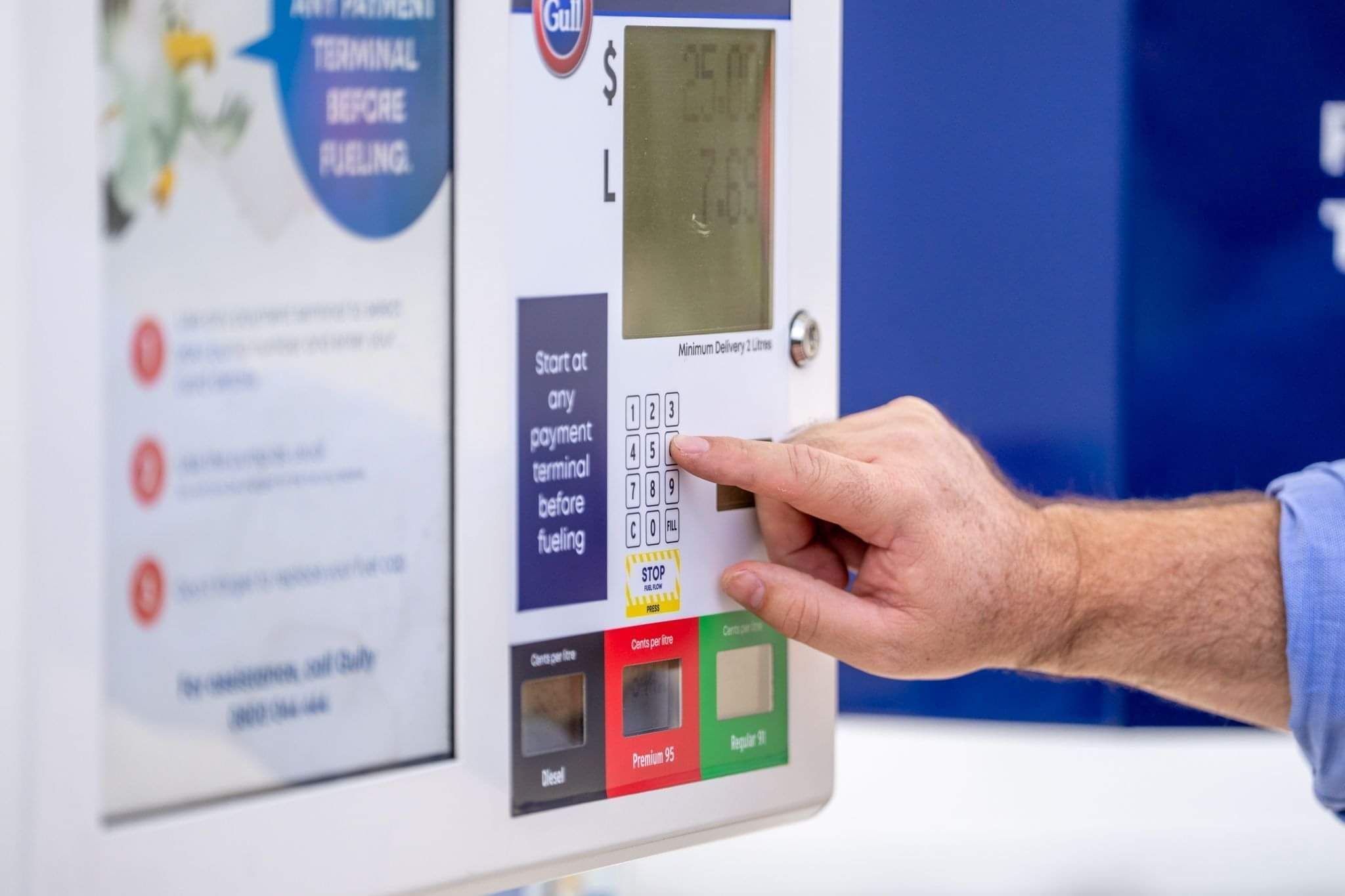
It authorises each pump, sends it the current price, and passes every completed sale back to the point of sale as litres, grade and dollars. When a customer pays at an outdoor terminal or the attendant approves a fill, the controller tells that pump it can start, and when the nozzle goes back on the hook it reports what was sold so the sale can be finished. It also tracks every pump's status, which is how Glassbox can show each pump as authorised, reserved, idling or in fault, live, while customers fuel up. The controller doesn't measure the fuel itself. The pump's own meter does that, and every petrol pump in New Zealand has to be tested and verified as correct under the Weights and Measures Act 1987. The controller's job is to carry that reading to the point of sale and the back office without anyone retyping it.
Where does a forecourt controller sit on a fuel site?
It sits between the pumps and everything that sells fuel: the point of sale, any outdoor payment terminals and the back-office system. Glassbox's own glossary calls it the FCC, the hardware that coordinates the devices on a forecourt and talks to the pumps, and it's one piece of the wider forecourt management system alongside the point of sale and the payment terminals. In Glassbox's site monitoring and control it sits in the same site tree as the pumps, price signs, outdoor payment terminals, tank gauges and the controller PC, so when a controller throws an error you see it next to everything it affects. That matters most on unmanned sites, where nobody is standing at the counter to notice a pump that has stopped answering.
Which forecourt controllers does Glassbox work with?
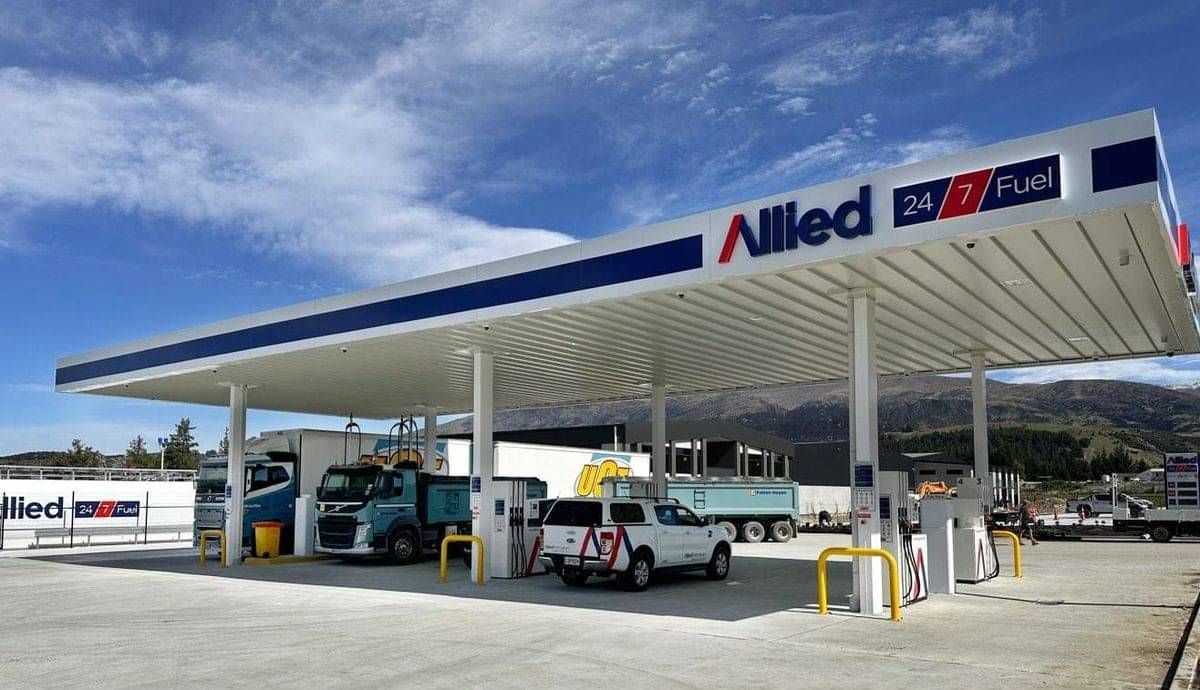
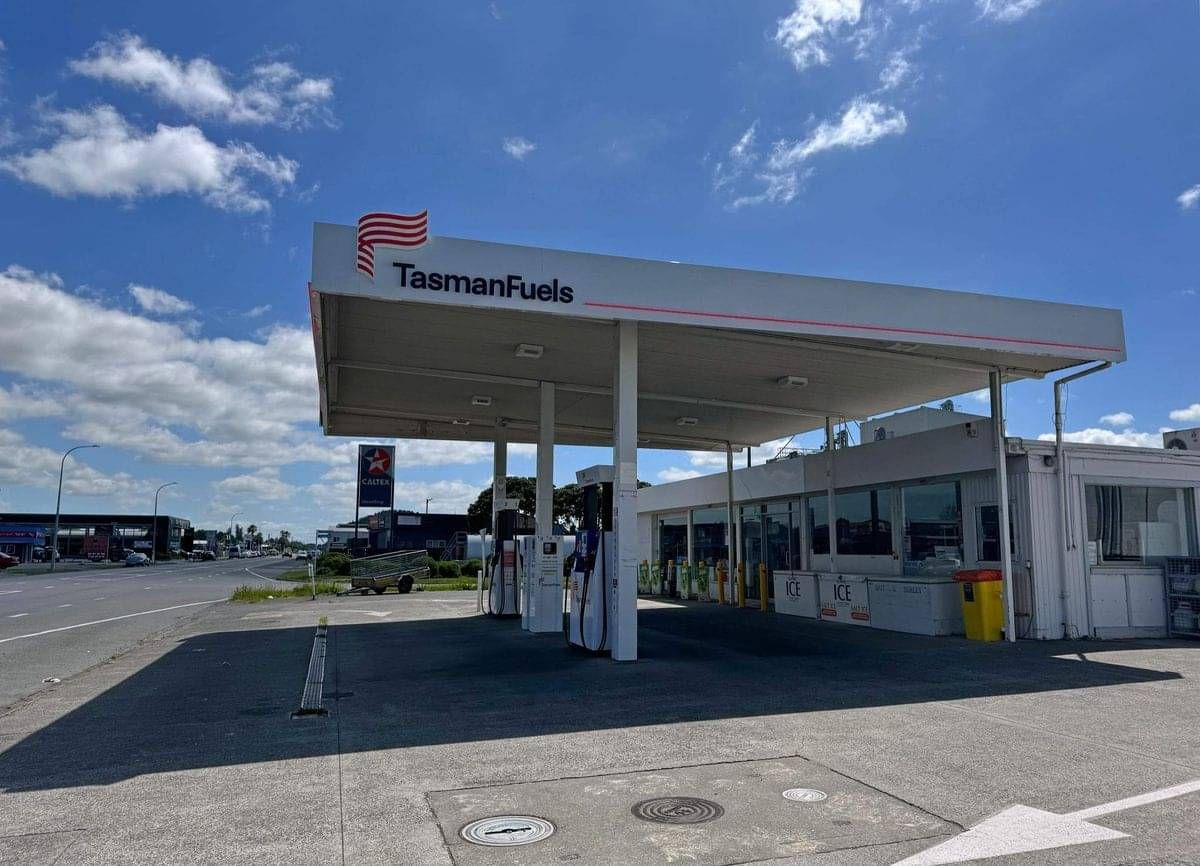
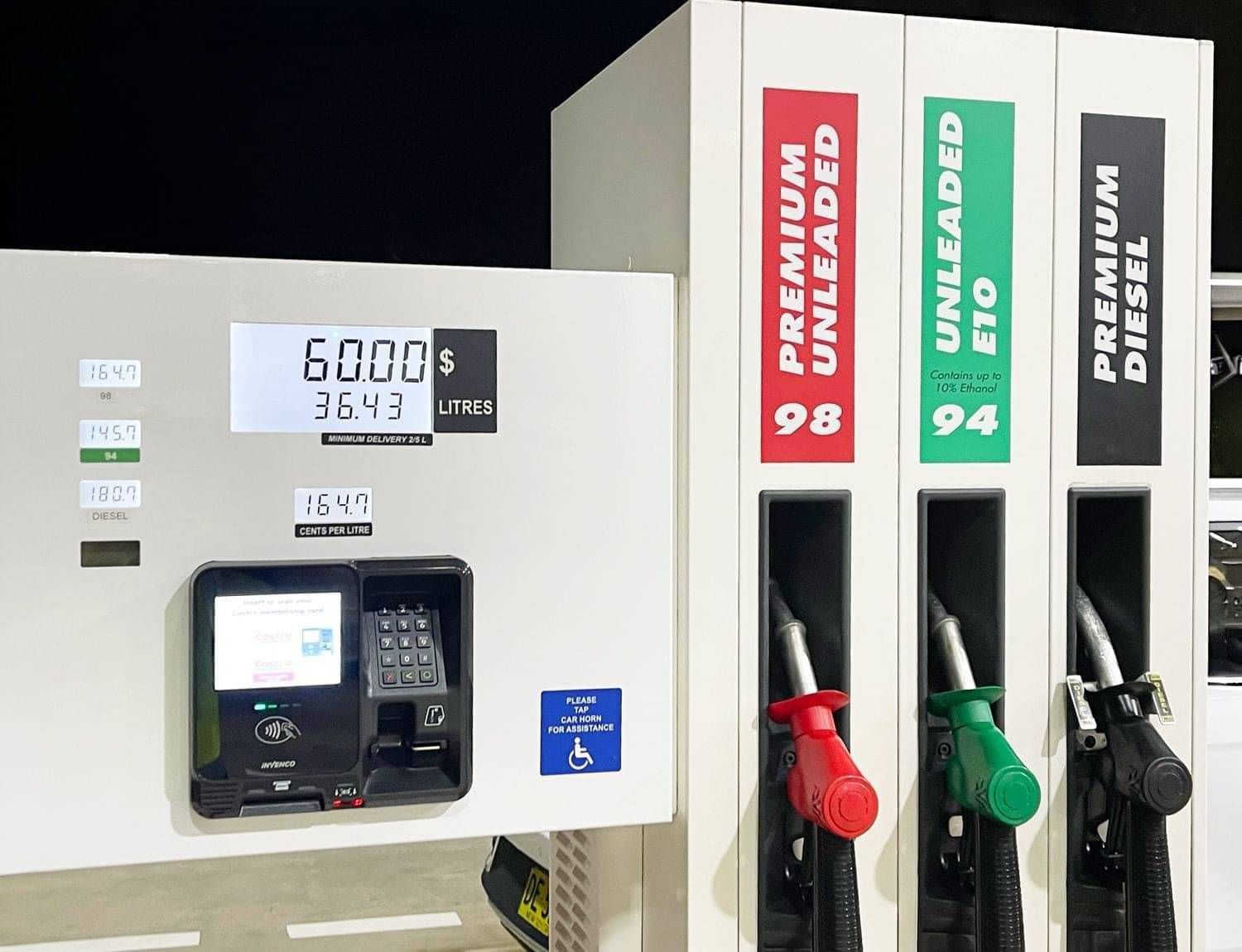
Glassbox works with the major pump and forecourt controllers, including Gilbarco and Invenco, plus POSTEC and others, so you keep the hardware already on site. In Sydney, working with Gilbarco Veeder-Root Australia, Glassbox delivered a DOMS forecourt controller integration alongside its payment systems management for stations at Bonnyrigg and Canley Heights, finished under demanding pre-Christmas timeframes. A network built through growth or acquisition runs mixed hardware, with different controllers, gauges and terminals from site to site, and that's exactly what hardware-agnostic software is for: one layer that makes whatever is on each forecourt work together. If your site runs something unusual, talk to the team, because adding support for new hardware is part of what they do. The full list is on our hardware integrations page.
What can you do once the controller is connected to Glassbox?
You can watch every pump live, suspend a pump or authorise a fill remotely, and push price changes to the pumps and price boards together. Alerts reach you when a controller throws errors, a connection drops or a price change doesn't take, with enough detail to act on straight away. For an operations manager running unmanned sites, that's the difference between hearing about a fault from a customer and fixing it before anyone is caught out. Every sale the controller reports also flows into fuel reconciliation, which is how dips, deliveries and sales get lined up automatically instead of at month end in a spreadsheet.
How do you connect a forecourt controller to Glassbox?
Glassbox sends a pre-configured PC that plugs into the network and talks to the controller, and the forecourt is usually on the dashboard within minutes. There's no VPN to set up, because the box connects over secure HTTPS, and a live rollout is set up remotely in a matter of days. A full rollout starts with a site form for each forecourt that lists its pumps, tank gauges and price signs, so the team can set every device up in Head Office before anything is installed. If you'd rather see it working first, keep the trial box for 30 days with no obligation.
What should you ask a software vendor about your forecourt controllers?
Ask whether it works with the controllers you already run, what happens if you change them, and whether it needs a VPN. It's also worth asking whether a price change reaches the pumps and the price boards in one step, how you'll hear about a controller fault on a site with no staff, and whether you can see one of your own sites running before you commit. Our FAQ page covers how Glassbox handles hardware, vendor changes, VPNs and faults at a site, and the 30-day trial lets you check it on a real forecourt.
LIVE IN MINUTES
See your own forecourt on the dashboard
Book a demo, or ask for the trial box and watch your site appear within minutes of plugging it in.
FAQs
Is a forecourt controller the same as a pump controller?
The two names often get swapped, but Glassbox's glossary draws a line between them. A pump controller is the hardware that talks to the fuel dispensers and tells them what to do, and Gilbarco, Invenco and POSTEC all make them. A forecourt controller, or FCC, coordinates the devices on the forecourt more broadly, talking to the pumps and other equipment. When you're choosing software, the label matters less than the question underneath it: can the platform read and control whatever is fitted at each of your sites? Glassbox brings both into the same view in Head Office, alongside the tank gauges, price signs and payment terminals, so you're not running one console for the pumps and another for everything else.
What happens if the forecourt controller stops working?
The point of sale loses its link to the pumps, so fills can't be authorised or recorded through the system until the controller is back. That's why it pays to hear about a controller problem early. Head Office watches the controller like any other device and sends an alert when it throws errors or drops its connection, with enough detail to act on. On a staffed site someone would notice the queue at the counter, but on an unmanned site there's nobody there to notice, which is why operators running unmanned networks want alerts that find them before problems find their customers. As one Glassbox customer with a mostly unmanned network put it, real-time access to their fuel sites has been "a valuable tool especially because the majority of them are unmanned sites."
Do I need to replace my forecourt controller to use Glassbox?
No. Glassbox works with the controllers already on site, including Gilbarco, Invenco and POSTEC, and keeps running if you change vendors down the track. It has a track record with retrofits too: bringing its technology stack together with Invenco payment has given existing sites a simple, cost-effective replacement path instead of a full rip-and-replace. The usual starting point is the trial box, which plugs into the site network, connects to the controller, gauges and terminals that are already there, and puts the forecourt on the dashboard. You see your own hardware running in Glassbox before you decide anything.
Can I change fuel prices through the forecourt controller?
Yes. The controller is what tells each pump its price, so a price change has to reach it before the pumps charge the new rate. Glassbox sends the change from one screen to the pumps and the price boards together, across every site, and tells you if a change didn't take anywhere. That matters because rolling prices out site by site is one of the jobs Glassbox hears about most from operators, along with reconciliation admin and month-end corrections on account pricing. Our price board and relay control page shows how the boards side works.
Does the forecourt controller handle card payments?
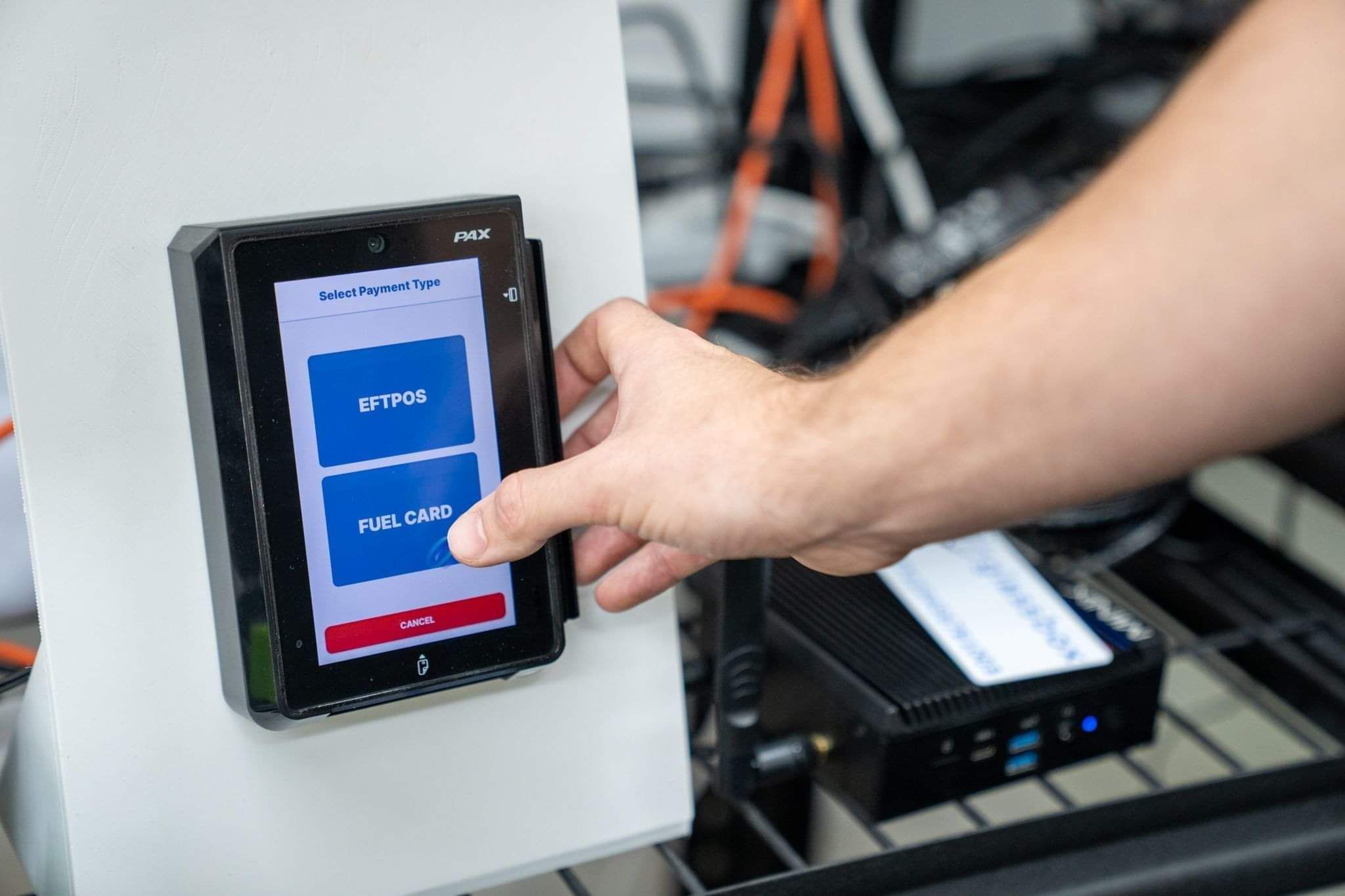
No. Card payments are handled by the point of sale, the payment terminals and the payment provider behind them. The controller's part is the pump: once a payment is approved at an outdoor payment terminal, it authorises the pump, and when the fill finishes it reports the final litres and amount so the transaction can be completed. That's why the controller and the terminals have to work closely on any unmanned site. In Glassbox, payment system management sits alongside the controller in Head Office, so you can see terminals and pumps on one dashboard and suspend, reset or reconfigure a terminal without a site visit.
Gilbarco, Gilbarco Veeder-Root, Invenco, POSTEC and DOMS are trademarks of their respective owners. Glassbox is an independent software platform.
Didn't find your answer?
Ask us directly. We're happy to talk through anything specific to your network, or just book a demo and see it for yourself.

CONTACT US


